The calculator, tracker or client list you already rely on, as an app that opens on your phone. Claude Code builds it from your workbook and checks the math against your sheet.
You already built something useful. It calculates your prices, tracks your jobs, or tells you if your savings will last. But it lives in a grid that was never meant to be an app.
Open it on your phone in a parking lot and you're hunting for column Q with your thumb.
One wrong click and a formula is gone. Sharing it with a client or your team feels risky.
It does the job, but it doesn't look like something you'd hand to a customer.
What if that same spreadsheet was an app you could open anywhere, without learning to code?
Your formulas, your categories, your way of doing things. That's the hard part, and it's done.
It reads your workbook, asks you a few plain questions, and builds the screens around your math.
A real web app on your computer. Open it on your phone, put it online free, or share it. No monthly software bill.
Two real workbooks, turned into apps with this kit. Both are included, and you can try them right now.
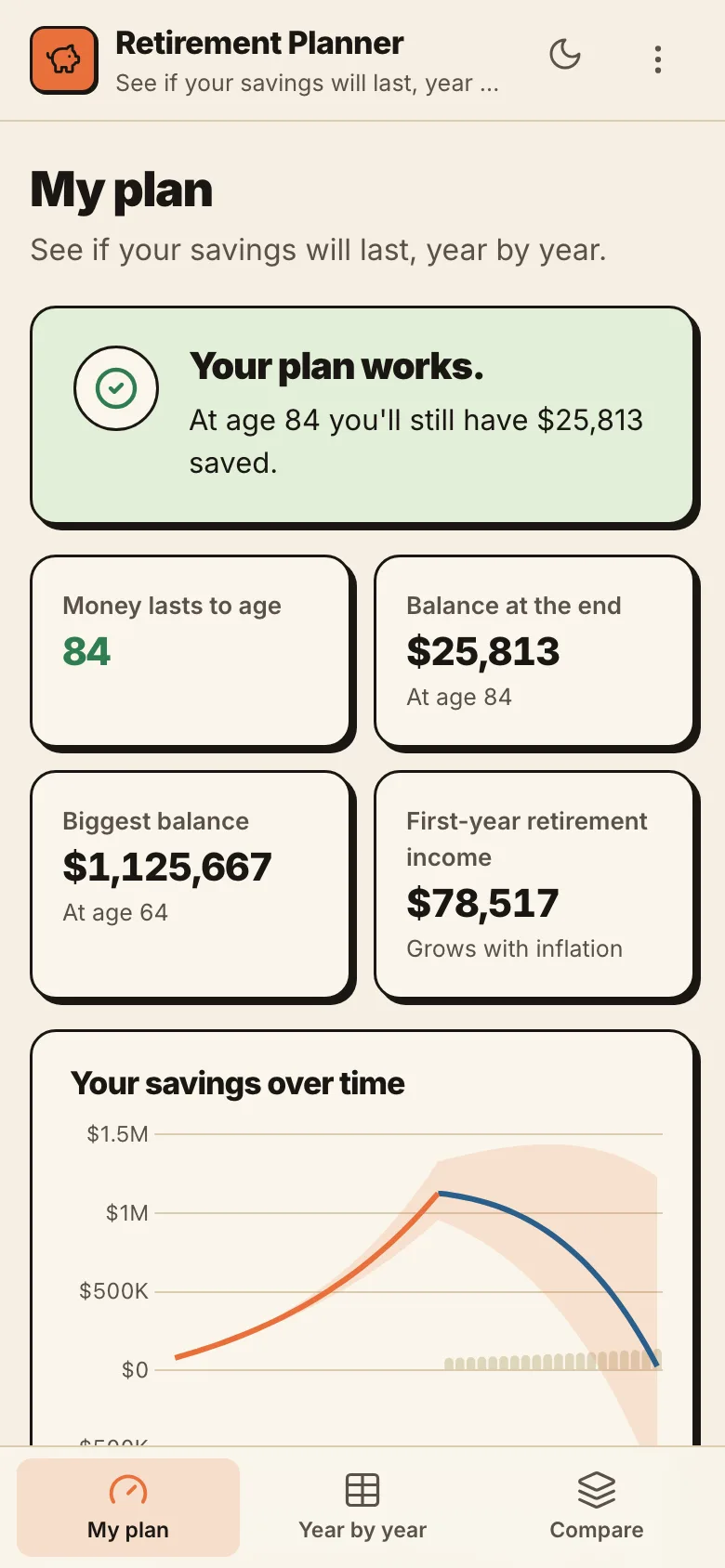
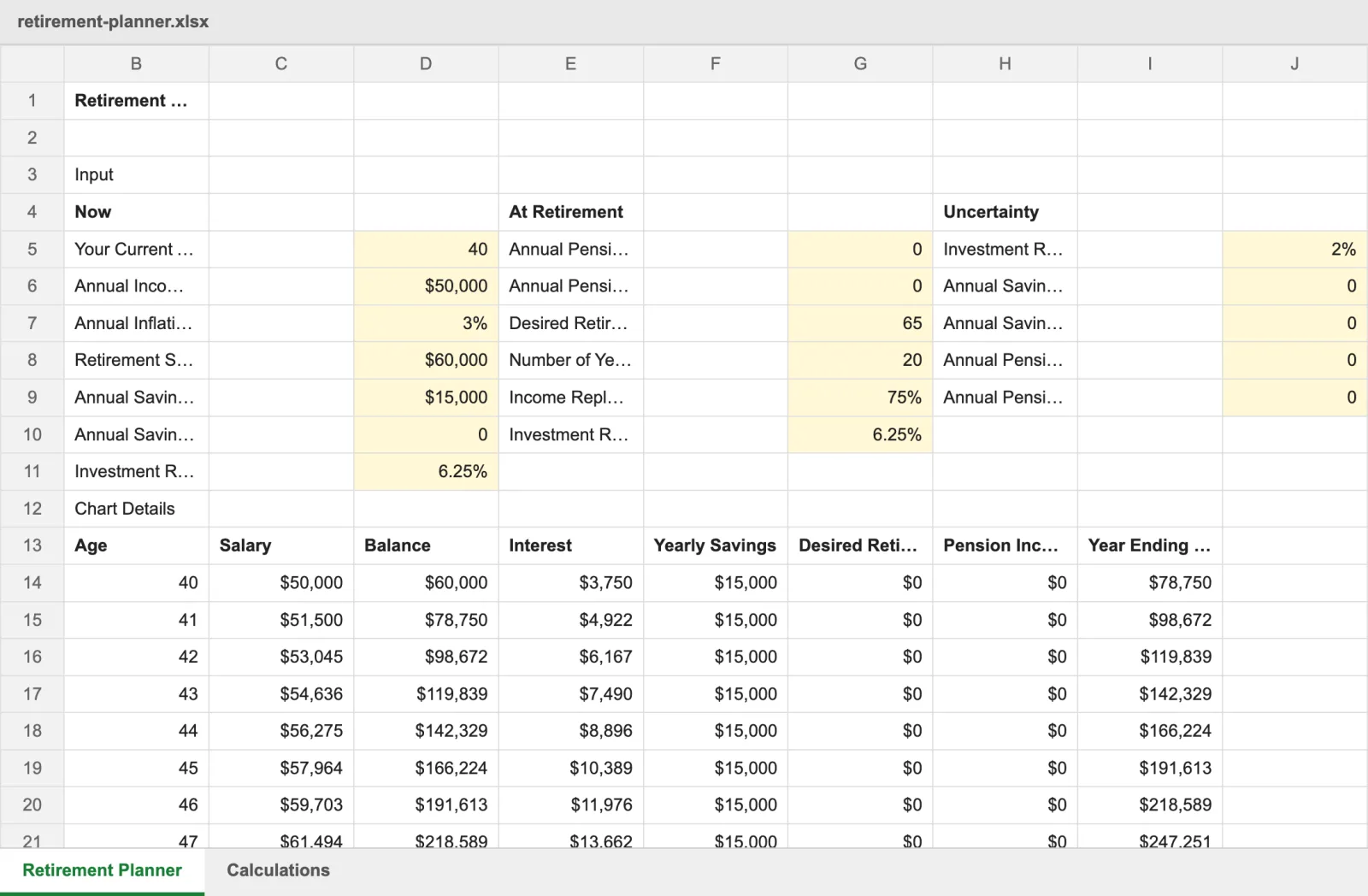
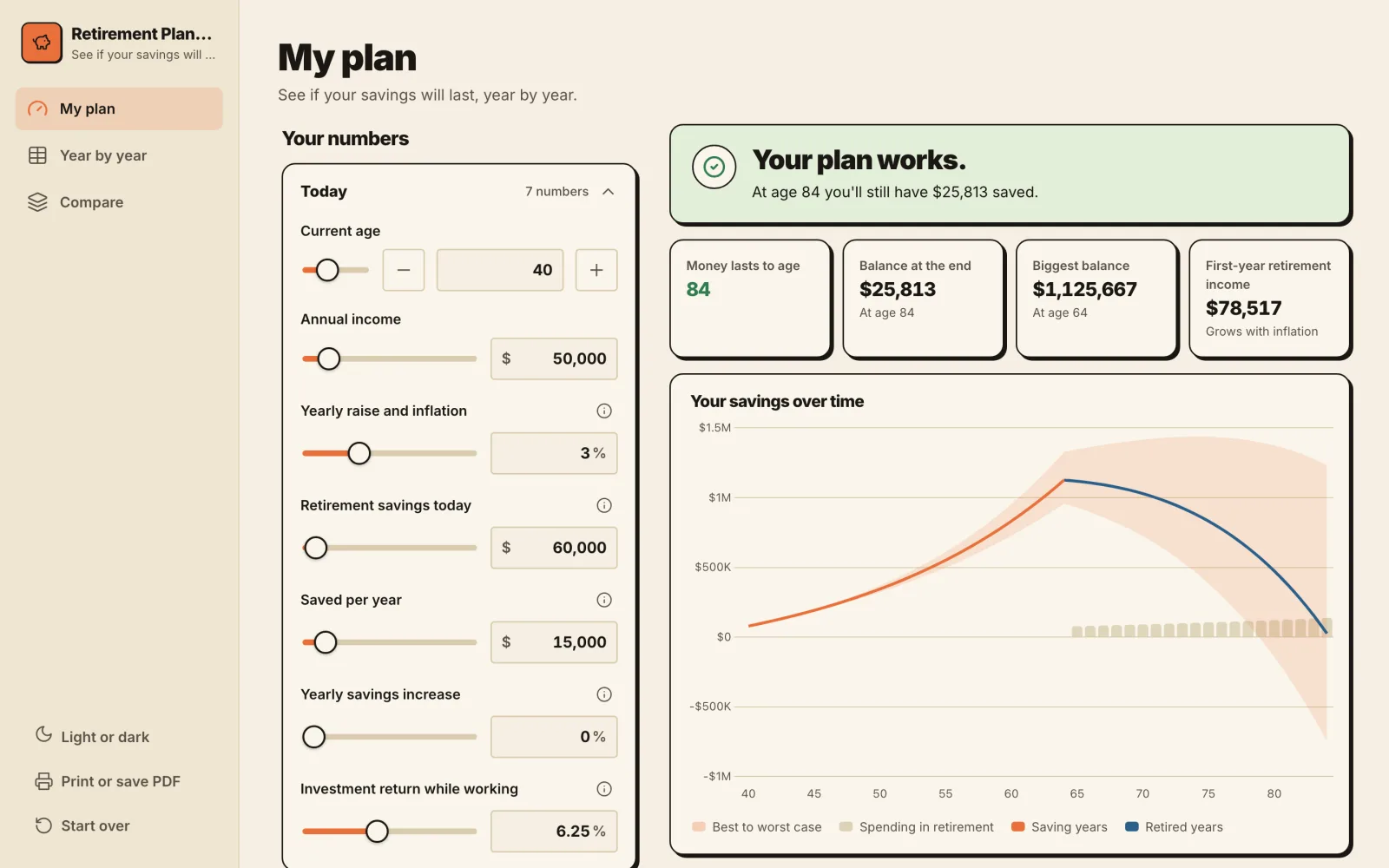
Started as an Excel workbook with 18 inputs and a hidden tab of formulas. Now it asks friendly questions, gives a clear answer, and draws the chart.
Before: the spreadsheet
After: the app
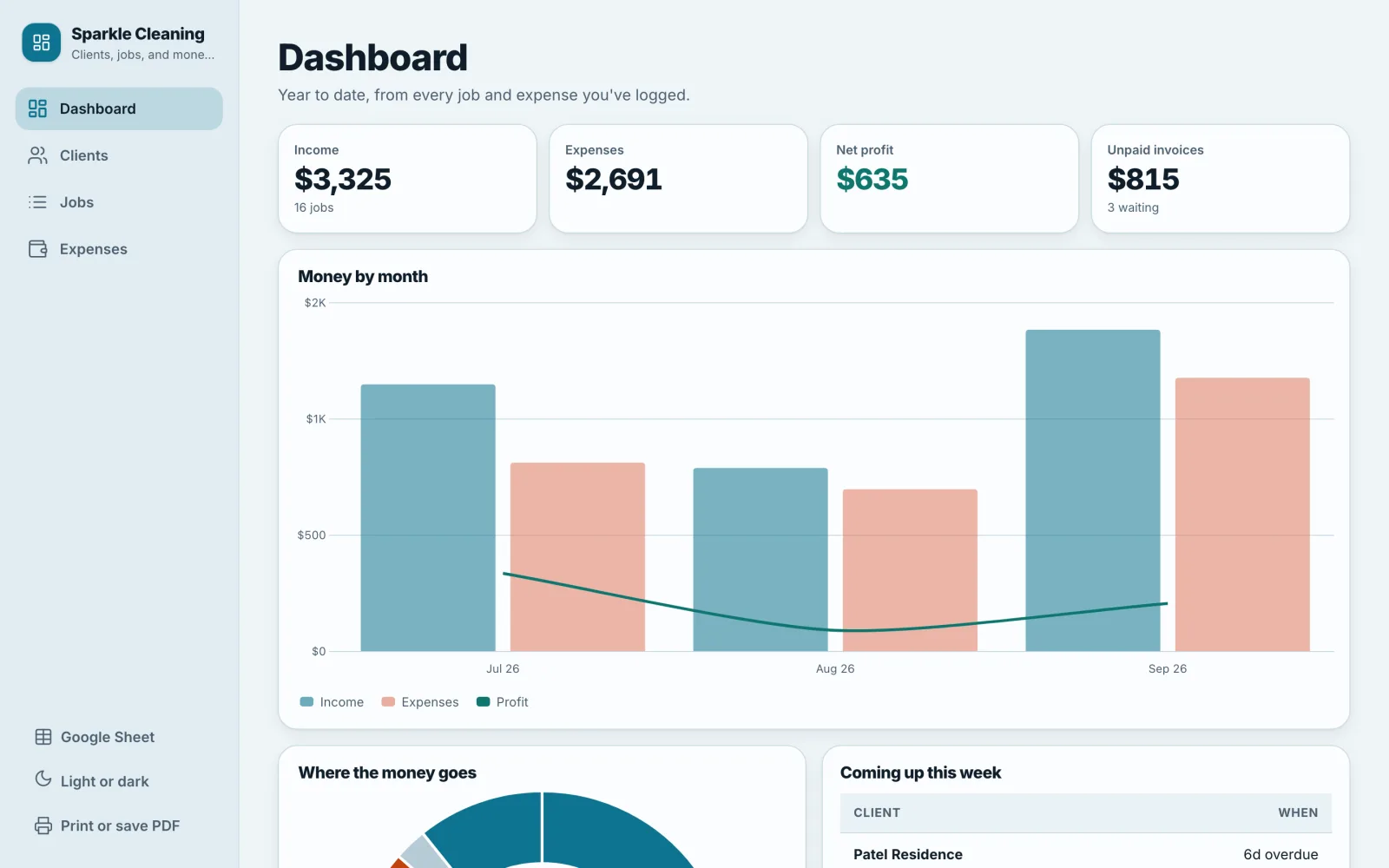
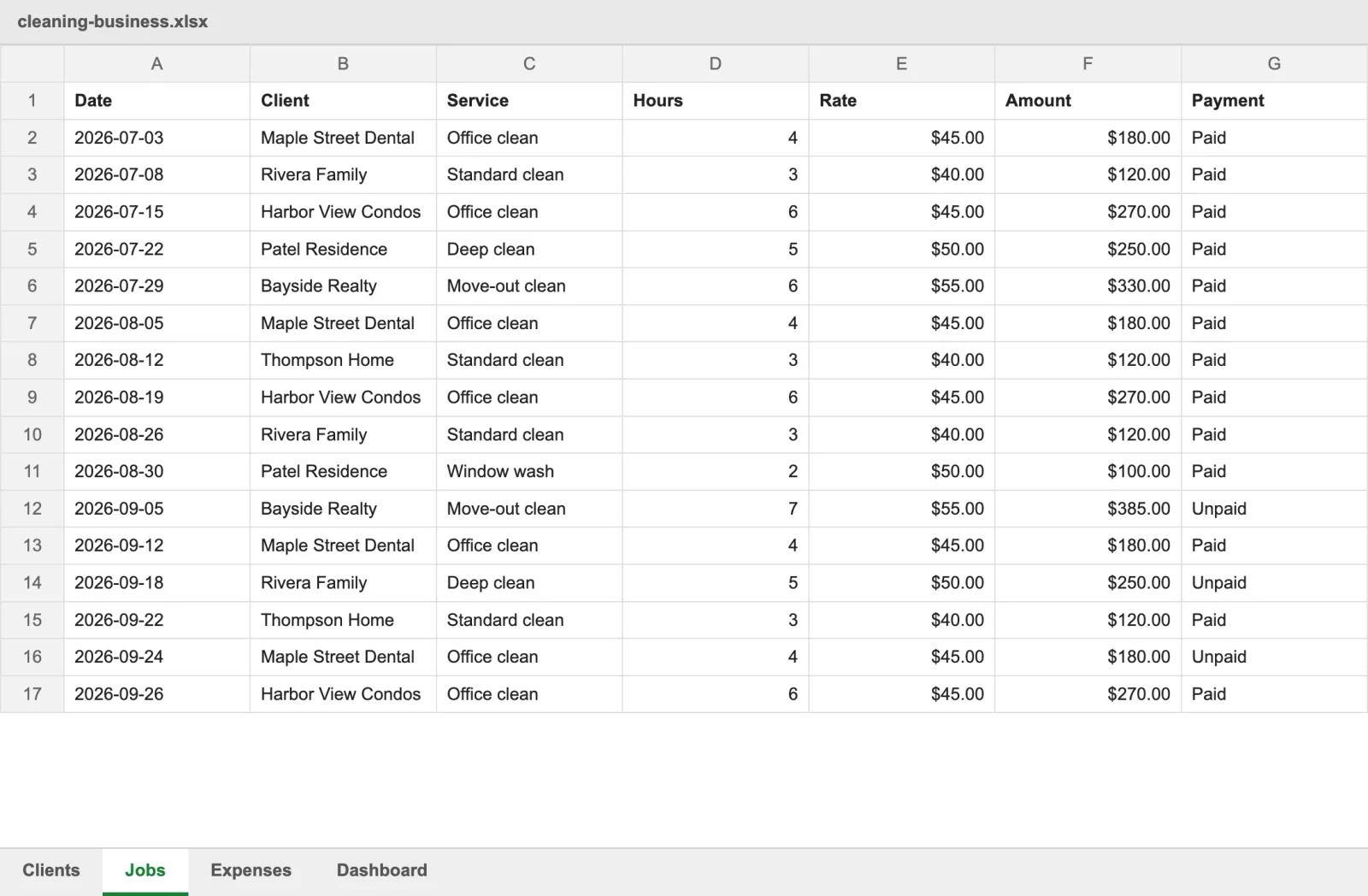
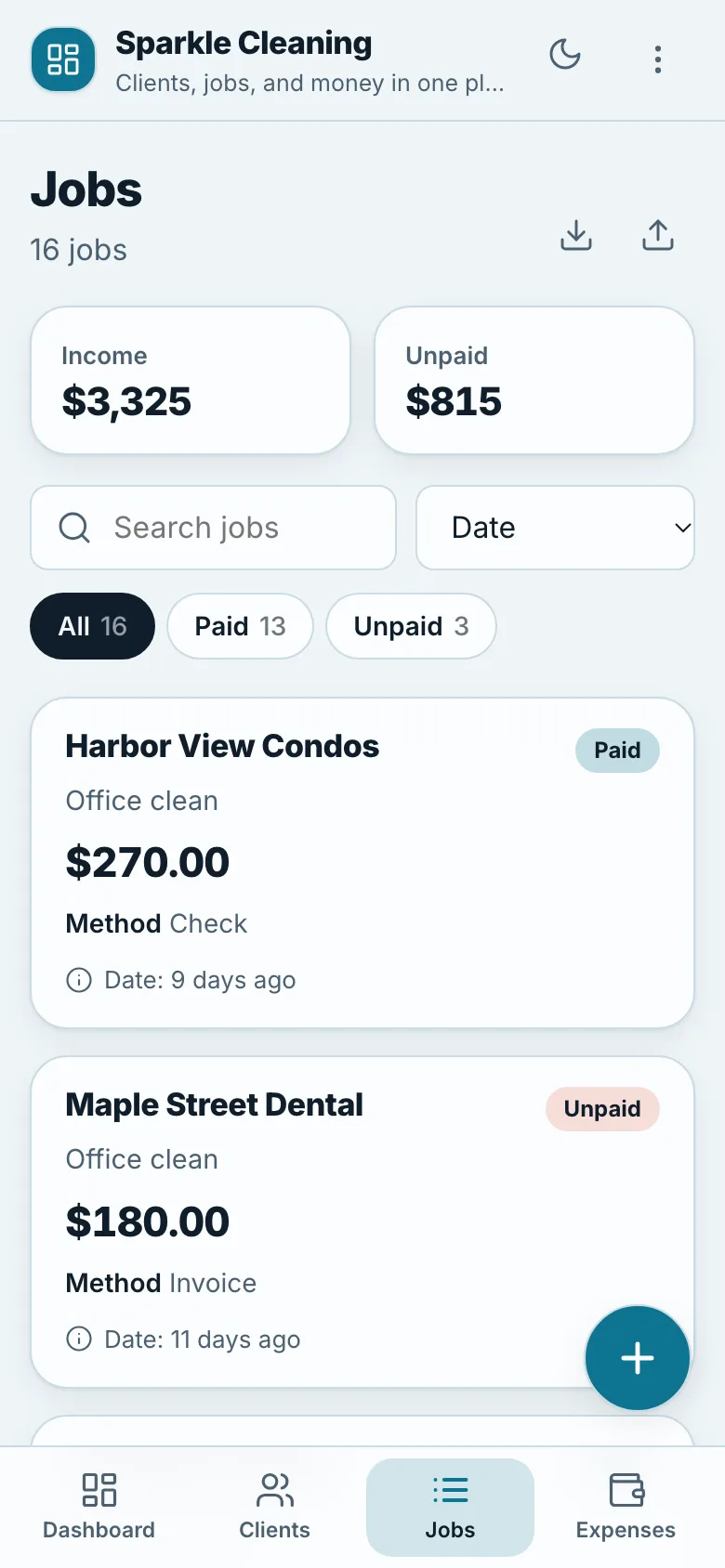
Started as a cleaning business workbook with Clients, Jobs, Expenses and a Dashboard tab. Now every tab is a list you can search, filter and add to from your phone.
Before: the spreadsheet
After: the app
Drop in the spreadsheet, answer a few questions, let Claude check the math, open your app. That's the whole process.
You're not becoming a programmer. You're telling Claude how you want your app to work, and it handles the rest.
Claude reads every tab and every formula, even the hidden ones.
One at a time, each with a recommended answer you can just pick.
It compares the app to your spreadsheet, cell by cell, and fixes anything that doesn't match.
Double-click it. Works on your phone, tablet and laptop, in light or dark mode.
The retirement example matches its spreadsheet on every one of 1,663 numbers. Claude also found a formula slip that retired everyone a year early. It copied the sheet exactly first, then fixed the mistake and explained what changed.
The Claude skill and the app engine Claude builds with. Calculators, dashboards and lists.
Plain steps, no jargon, from unzipping to your first app.
The retirement calculator and business tracker above, to try before you build.
The spreadsheets the examples came from, so you can see the before and after.
One page that gets you started, and opens on any phone.
Make as many apps as you like for your own business, plus one for a client or to sell.
When the kit gets better, you get the new version.
Stuck? Email support@aicreatorsworkshop.com or ask in the AI Creators' Workshop community.
No. You answer questions in plain words and Claude writes the code. If you can use a spreadsheet, you can do this.
Yes. In Google Sheets, pick File, Download, Microsoft Excel (.xlsx), then give Claude that file. Apps with lists can also sync back to a Google Sheet so every device sees the same data.
Not for this kit or your app. You pay once. You do need your own paid Claude plan to do the building, and putting your app online with Netlify is free.
In the browser on your own device, or in your own Google Sheet if you turn on sync. It never goes through anyone else's server.
Macros, pivot tables, Power Query and live data connections. Claude tells you when it sees them and suggests what the app can do instead. Photo and file uploads aren't supported, but a column with a link works fine.
Yes. Open the kit in Claude and ask, like "make the first question about income" or "use my brand color." Your spreadsheet changed? Ask Claude to update the app from the new file.
Pick the one spreadsheet you'd most like on your phone, and start there.
Disclaimer: Please note that this product does not provide any guarantee of income or success. The results achieved by the product owner or any other individuals mentioned are not indicative of future success or earnings. This website is not affiliated with FaceBook or any of its associated entities. Once you navigate away from FaceBook, the responsibility for the content and its usage lies solely with the user. All content on this website, including but not limited to text, images, and multimedia, is protected by copyright law and the Digital Millennium Copyright Act. Unauthorized copying, duplication, modification, or theft, whether intentional or unintentional, is strictly prohibited. Violators will be prosecuted to the fullest extent of the law.
We want to clarify that JVZoo serves as the retailer for the products featured on this site. JVZoo® is a registered trademark of BBC Systems Inc., a Florida corporation located at 1809 E. Broadway Street, Suite 125, Oviedo, FL 32765, USA, and is used with permission. The role of JVZoo as a retailer does not constitute an endorsement, approval, or review of these products or any claims, statements, or opinions used in their promotion.